
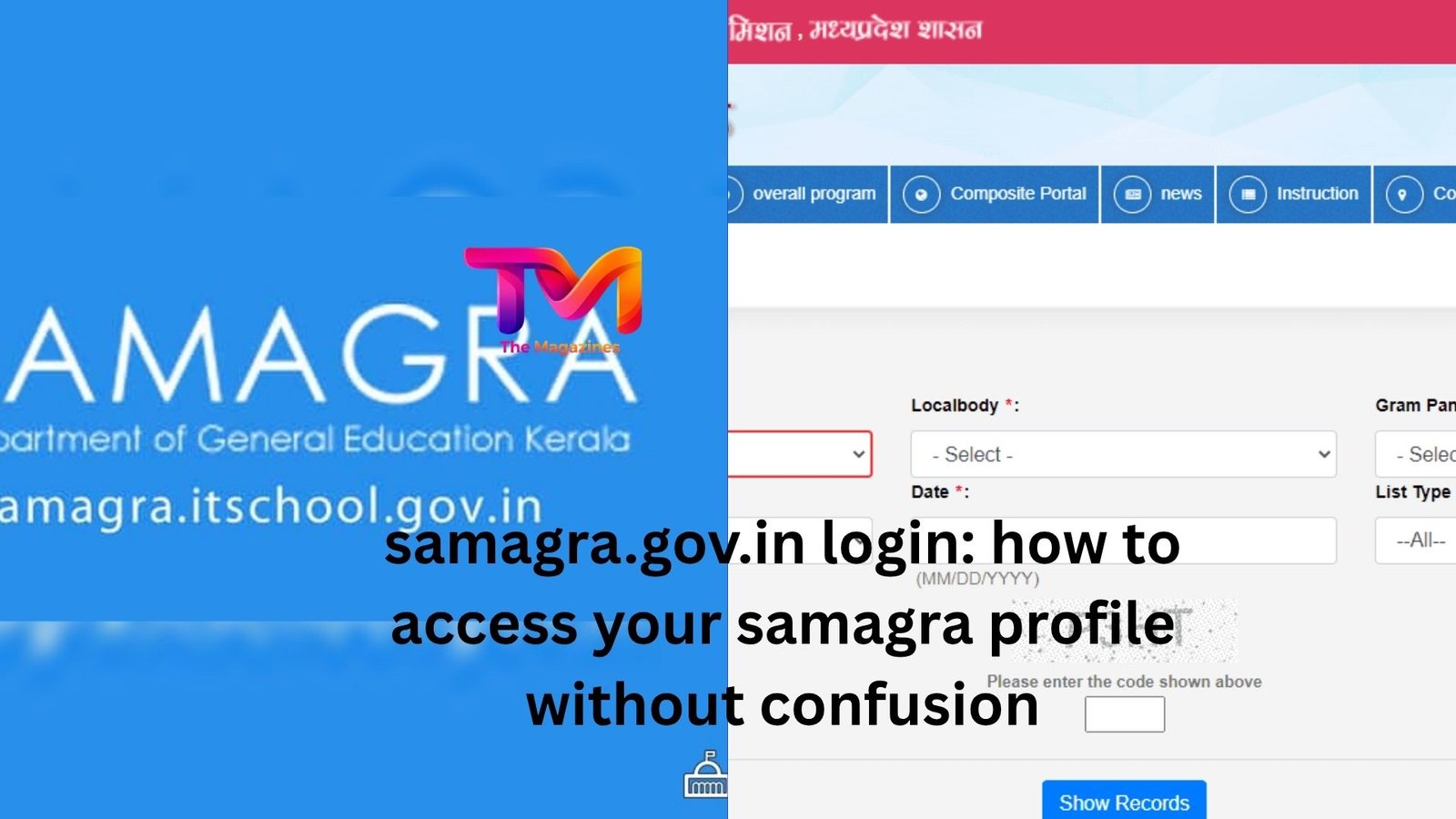
If you’ve ever tried logging into a government portal and felt a bit stuck halfway through, you’re not alone. The samagra.gov.in login process is one of those things that sounds simple—but can feel oddly tricky the first time you do it.
Here’s the thing: once you understand how it works, it’s actually quite straightforward. And more importantly, it opens the door to a bunch of essential services tied to your Samagra ID.
Let’s walk through it in a way that actually makes sense.
what samagra really is (and why it matters)
Before jumping into the login process, it helps to understand what you’re logging into.
Samagra is a unified system created by the Madhya Pradesh government. It connects residents to welfare schemes using a unique Samagra ID. Think of it like a central profile that holds your family and personal details—so you don’t have to re-submit the same information over and over again.
If you’ve ever applied for a government benefit and had to fill in the same details repeatedly, you’ll appreciate this system.
A quick example:
Imagine a student applying for a scholarship, and later their family needs access to a ration scheme. Instead of fresh paperwork every time, the Samagra ID links everything together. That’s the goal.
But to access or update those details, you need to log in.
getting into the samagra.gov.in login page
The official website is simple, but not always intuitive.
When you land on the homepage, you won’t always see a big flashy “Login” button right away. Instead, you’ll find options like:
- Samagra Profile Update
- e-KYC
- Citizen Services
Your login usually happens when you try to access one of these services.
Here’s how it typically works:
You click on a service → it redirects you → then asks for your Samagra ID or registered mobile number → followed by OTP verification.
No password-heavy system. It’s mostly OTP-based.
Honestly, this is both a good and bad thing.
Good, because you don’t have to remember passwords.
Slightly annoying, because if your mobile number isn’t linked or active, you’re stuck.
using your samagra id vs mobile number
This is where many people hesitate: “Do I need my Samagra ID, or can I just use my phone number?”
The answer: both can work—but only if they’re properly linked.
If your mobile number is registered in the Samagra system, logging in becomes much easier. You just enter the number, get an OTP, and you’re in.
But if it’s not linked, the system won’t recognize you.
A small real-life situation:
A friend once tried updating their family details but kept failing at login. Turned out their Samagra ID was active, but the mobile number on record belonged to an old SIM card they no longer used.
Fixing that took more effort than the actual update.
So if you’re starting fresh, it’s worth making sure your mobile number is correctly registered.
what you can actually do after logging in
Logging in isn’t just a formality—it unlocks real functionality.
Once inside, you can:
- Check your Samagra profile details
- Update personal or family information
- Add new family members
- Correct errors in name, age, or address
- Access scheme-related services
And yes, small errors matter more than you think.
If your age or name doesn’t match other documents, it can delay applications for benefits. So having access to edit or verify your details is genuinely useful.
the most common login issues (and how people fix them)
Let’s be honest. Government portals rarely fail gracefully. When something goes wrong, it often leaves you guessing.
Here are a few common hiccups people run into:
otp not arriving
This is probably the most frequent complaint.
Sometimes it’s a network issue. Sometimes it’s the server. And sometimes the number simply isn’t registered.
What usually helps:
- Wait a minute and try again
- Double-check the number you entered
- Make sure your SIM is active and has network
If nothing works, there’s a good chance your number isn’t linked.
“record not found” error
This one feels confusing, especially if you’re sure your Samagra ID exists.
In many cases, it’s just a mismatch in details—like entering the wrong family member ID instead of the main ID.
Other times, the database hasn’t been updated properly.
A workaround people often use is searching their Samagra ID first through the “Know Your Samagra ID” option, then trying again.
outdated mobile number
This one deserves special mention.
If your registered number is no longer in use, you won’t be able to log in via OTP at all. In that case, you’ll need to update your mobile number through an official request or local office.
It’s not instant, but it’s fixable.
why your samagra profile needs regular checking
Here’s something people often overlook: once they get their Samagra ID, they forget about it.
But life changes.
People move houses. Families grow. Names get corrected. Documents get updated.
If your Samagra profile doesn’t reflect those changes, it can create friction later.
Imagine applying for a scheme and getting rejected because your address doesn’t match your Aadhaar. Or a family member not appearing in your record when they should.
It’s avoidable—but only if you log in occasionally and check.
Not daily. Not even monthly. But once in a while? Definitely worth it.
security and privacy: should you be worried?
Whenever a system involves personal data, the question naturally comes up: is it safe?
The Samagra portal relies heavily on OTP-based authentication. That’s a decent layer of security, but like anything else, it depends on how careful you are.
If someone else has access to your phone and OTPs, they can potentially access your profile.
So basic precautions still matter:
- Don’t share OTPs
- Keep your phone secure
- Update your number if it changes
Nothing overly complicated—just common sense.
a quick mental model to make it easier
If the whole system still feels a bit abstract, think of it this way:
Your Samagra ID is like a digital family file.
The login is simply the key to open it.
Once inside, you’re not just viewing data—you’re maintaining it.
And just like any important record, it works best when it’s accurate and up to date.
when you might need help offline
Even with everything online, there are moments where going offline is faster.
If:
- your mobile number isn’t linked
- your profile has major errors
- or the system just won’t cooperate
Visiting a local kiosk or government office can save time.
Yes, it might involve waiting. But sometimes a real person resolving things in 10 minutes beats hours of trying online.
final thoughts
The samagra.gov.in login process isn’t complicated—it just feels that way until you’ve done it once or twice.
After that, it becomes routine.
What matters more is what you do with that access. Keeping your details correct, checking your profile occasionally, and making sure your mobile number stays updated—that’s where the real value lies.
Because at the end of the day, this isn’t just another login page. It’s your gateway to services that actually impact everyday life.









Leave a Reply