
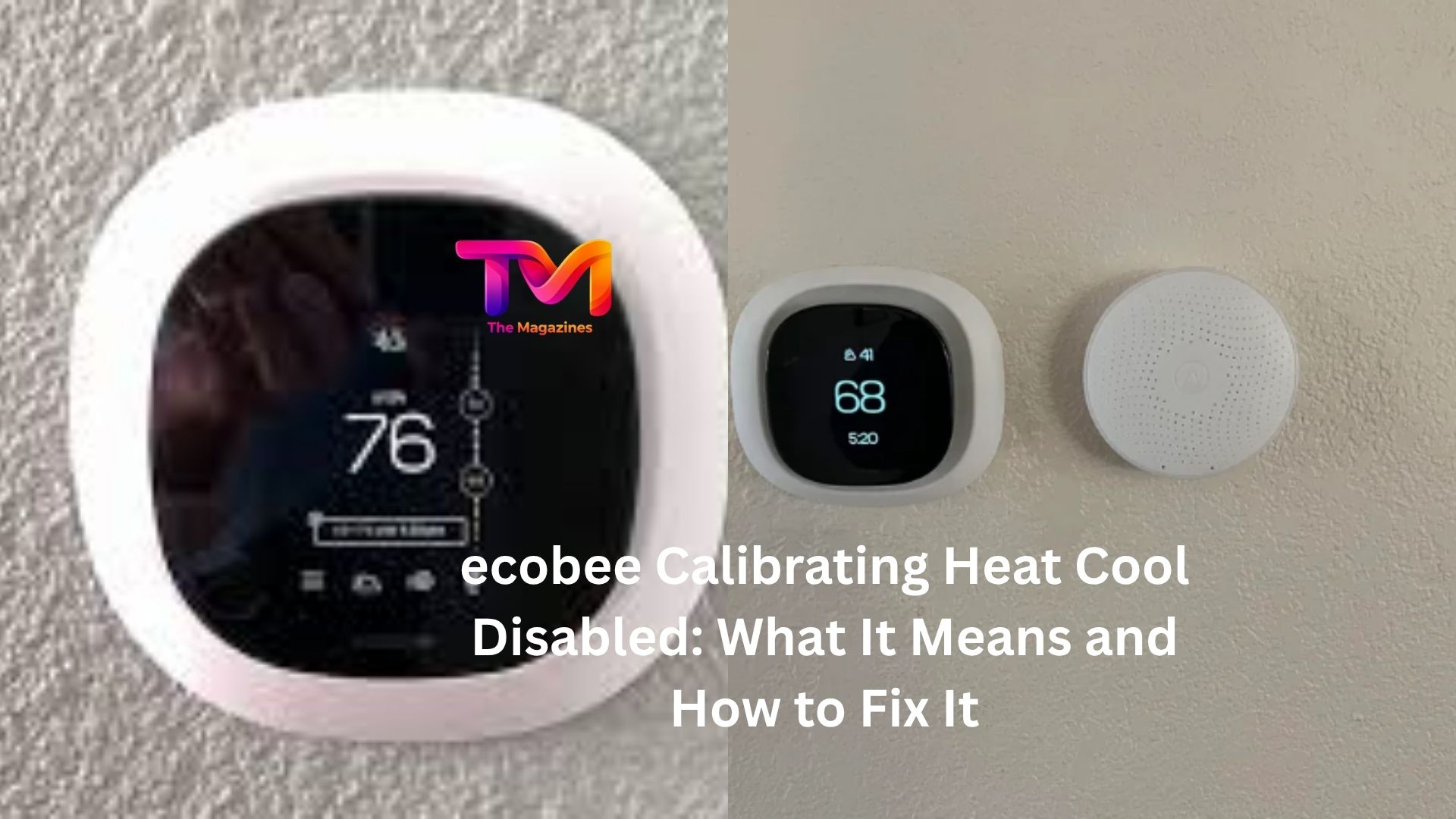
You walk over to your ecobee thermostat, expecting to adjust the temperature, and suddenly you see a message that says “Calibrating: Heat Cool Disabled.” The thermostat won’t let you run the heating or cooling system, and you’re left wondering whether something is broken.
The good news is that, in most cases, nothing is actually wrong.
This message is one of the more common ecobee notifications, especially after installation, a restart, a software update, or a power interruption. Still, it can be frustrating when your home feels too warm or too cold and your thermostat refuses to cooperate.
Understanding what’s happening behind the scenes makes it much easier to decide whether you should simply wait or start troubleshooting.
Why ecobee Shows “Calibrating Heat Cool Disabled”
When ecobee displays this message, it’s temporarily disabling your HVAC system while it calibrates its temperature sensors.
The thermostat relies on accurate temperature readings to decide when to turn heating or cooling equipment on and off. If those readings aren’t reliable yet, the thermostat pauses climate control until calibration finishes.
Think of it like a digital scale resetting itself before you step on it. It needs a moment to establish accurate measurements.
During calibration, ecobee is checking environmental conditions and fine-tuning its internal temperature readings. As a safety measure, heating and cooling functions remain unavailable until the process completes.
Most of the time, this is completely normal behavior.
How Long Does Calibration Usually Take?
In many homes, calibration lasts between 5 and 20 minutes.
After a power cycle or a fresh installation, you may see the message for a short period while the thermostat stabilizes. Once calibration finishes, heating and cooling functions automatically return.
Here’s a common scenario.
Someone replaces an old thermostat with an ecobee on a Saturday afternoon. They power everything up, see the calibration message, and immediately assume they wired something incorrectly. Ten minutes later, the message disappears and the system works perfectly.
That’s often how simple the situation is.
If the message remains for hours, however, it’s worth taking a closer look.
When Calibration Becomes a Problem
A brief calibration period is normal.
A thermostat that stays stuck in calibration mode for an extended time is not.
If you’ve waited 30 minutes or more and nothing changes, one of several issues may be interfering with the process.
The thermostat could be experiencing unstable power. A wiring issue might be preventing proper operation. In some cases, room conditions themselves can affect sensor readings.
The key is determining whether calibration is progressing normally or whether it’s trapped in a loop.
Check for Power Issues First
One of the most common causes of prolonged calibration is inconsistent power.
Ecobee thermostats typically receive power through the HVAC system. If power fluctuates, calibration may restart repeatedly without ever completing.
Pay attention to the thermostat screen.
Does it turn off and back on? Does the calibration message disappear and then return? Are there unexpected reboots?
These signs often point toward a power-related problem.
You can start by checking your HVAC breaker and ensuring it hasn’t partially tripped. It may also help to inspect the furnace or air handler power switch. Sometimes a switch gets bumped accidentally during maintenance or cleaning.
If you’re comfortable working around thermostat wiring, verify that all wire connections remain secure. A loose C-wire connection can cause intermittent power problems that lead to strange thermostat behavior.
Recent Installation? Wiring Could Be the Culprit
If the thermostat was installed recently, wiring deserves special attention.
Even a small wiring mistake can create unusual symptoms. The thermostat may power on but struggle to communicate correctly with the HVAC equipment.
Look at the wiring terminals and compare them with the installation guide for your specific system.
A wire that isn’t fully inserted or a terminal assignment that’s incorrect may prevent normal operation.
Let’s be honest: thermostat wiring can be confusing. Many homeowners feel confident until they encounter multiple wires with similar colors and labels.
If the calibration issue started immediately after installation, reviewing the wiring is often one of the most productive troubleshooting steps.
Room Conditions Can Affect Calibration
Most people don’t realize how sensitive thermostat sensors can be.
An ecobee mounted near a heat source, direct sunlight, or an air vent may have trouble obtaining stable temperature readings.
Imagine a thermostat installed on a wall that receives afternoon sunlight. As the sun moves across the room, the wall temperature rises significantly above the actual room temperature. The thermostat sees those changing conditions and may need additional time to stabilize.
Similarly, placing lamps, electronics, or space heaters near the thermostat can influence sensor readings.
If you’ve recently changed furniture placement or added heat-producing devices nearby, consider whether environmental factors might be contributing to the issue.
Restarting the ecobee
Sometimes the simplest fix works.
A restart can clear temporary glitches and allow calibration to begin fresh.
You can usually restart an ecobee through the settings menu or by removing it from its wall plate and reinstalling it after a brief pause.
Once powered back on, the thermostat will likely enter calibration mode again. This is expected.
Give it time to complete the process before making additional changes.
Many users get stuck in a troubleshooting cycle because they keep adjusting settings every few minutes. Constant interruptions can make it harder to determine whether the thermostat is actually recovering.
Software Updates and Calibration
Occasionally, calibration appears after a firmware update.
When ecobee installs new software, it may restart and recalibrate sensors before returning to normal operation. During this period, heating and cooling remain disabled.
Most firmware-related calibration events resolve on their own.
If your thermostat recently updated and the calibration message appeared shortly afterward, patience is often the best approach.
That said, if several hours pass without improvement, checking for known software issues through ecobee support channels can be worthwhile.
What About Remote Sensors?
Homes with ecobee SmartSensors add another variable.
The thermostat can use information from remote sensors located throughout the house. While remote sensors don’t usually cause calibration failures, communication issues can occasionally create temperature inconsistencies.
Check whether any sensors show low battery warnings or connection problems.
If a sensor has recently gone offline, try replacing its battery or moving it closer to the thermostat temporarily.
The goal isn’t necessarily to fix calibration directly. It’s to eliminate factors that could be confusing the overall temperature management system.
When Your HVAC Equipment Is the Real Issue
Not every calibration problem starts with the thermostat.
Sometimes the HVAC system itself is responsible.
If the furnace control board, transformer, or air handler experiences electrical issues, the thermostat may not receive the stable power it needs.
In some cases, homeowners focus entirely on the ecobee screen while the actual problem sits inside the mechanical equipment.
Watch for other clues.
Are there unusual sounds from the furnace? Is the HVAC system completely unresponsive? Have you recently experienced power surges or electrical work in the home?
These details can point toward a larger system issue rather than a thermostat malfunction.
A Quick Troubleshooting Path
When faced with a persistent “Calibrating Heat Cool Disabled” message, a straightforward approach usually works best.
First, wait at least 20 minutes.
Next, verify that the thermostat has stable power.
Then inspect wiring connections if the thermostat was recently installed or serviced.
Restart the thermostat if necessary.
Finally, look for environmental factors such as direct sunlight, nearby heat sources, or HVAC equipment problems.
Moving through these checks methodically is usually more effective than changing multiple settings at once.
When to Contact ecobee Support
Most calibration messages disappear without intervention.
If you’ve already confirmed stable power, checked wiring, restarted the thermostat, and waited a reasonable amount of time, reaching out to ecobee support makes sense.
Support representatives can review diagnostic information, identify known issues, and help determine whether the thermostat itself may be defective.
Before contacting them, note how long the message has been displayed and whether any recent changes occurred. Installation work, electrical outages, HVAC repairs, or software updates can all provide valuable clues.
The more information you can provide, the faster the troubleshooting process tends to go.
The Bottom Line
Seeing “ecobee Calibrating Heat Cool Disabled” can be annoying, especially when you’re trying to make your home comfortable. Fortunately, the message usually indicates a normal calibration process rather than a serious problem.
Most cases resolve within minutes. The thermostat simply needs time to stabilize its temperature readings before it safely controls your heating and cooling equipment.
When the message lingers longer than expected, start with the basics: power, wiring, restarts, room conditions, and HVAC system health. Those areas account for the majority of persistent calibration issues.
In many situations, the fix turns out to be surprisingly simple. A loose connection, a recent restart, or even a thermostat sitting in direct sunlight can be enough to trigger the behavior. Once the underlying cause is addressed, the ecobee typically returns to normal operation and gets back to doing what it’s supposed to do—keeping your home comfortable without much thought at all.














Leave a Reply