
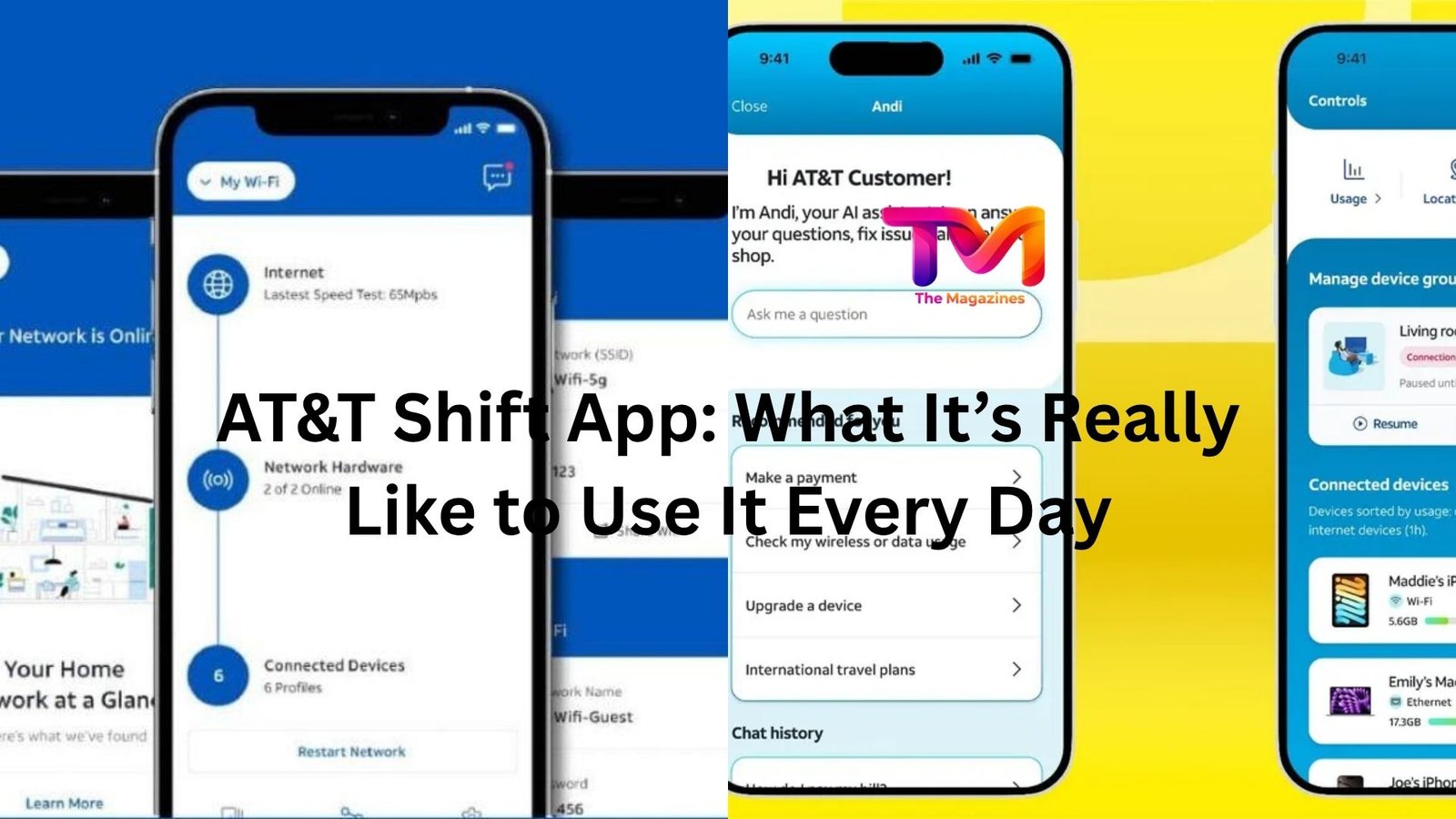
There’s something oddly stressful about not knowing your work schedule. You check your email, maybe a group chat, maybe even a paper schedule taped to a wall somewhere. It’s messy. Things change. You miss updates.
That’s exactly the kind of chaos the AT&T Shift App tries to clean up.
If you work at AT&T—or you’re about to—you’ve probably heard about it. Maybe you’ve already downloaded it and poked around. Or maybe you’ve been told, “You’ll figure it out once you start.” That’s usually how it goes.
But the real question is simple: does it actually make your life easier?
Let’s get into it.
What the AT&T Shift App Actually Does
At its core, the app is a scheduling and workforce tool. But that description doesn’t really capture how it feels to use it day-to-day.
Think of it more like your digital shift manager.
You open it, and right away you can see your upcoming shifts. Not just the days you’re working, but exact times, changes, and sometimes even notes attached to those shifts. It cuts out the guessing.
There’s also the ability to swap shifts, request time off, and check availability. That’s where things start to feel more useful than a basic schedule viewer.
Instead of texting three coworkers and hoping someone replies, you can push a shift swap request through the app. It’s cleaner. More official. And honestly, less awkward.
Now, that doesn’t mean it’s always smooth. But we’ll get to that.
The First Week Using It Feels… Slightly Clunky
Let’s be honest—most workplace apps aren’t exactly designed with elegance in mind.
The AT&T Shift App is functional, but not instantly intuitive. The first few days, you’ll probably tap around a bit trying to find where things live.
For example, finding your schedule is easy. That’s front and center. But figuring out how to submit a shift swap or check approvals? That can take a minute.
A typical first-week moment looks like this:
You’re trying to swap a Saturday shift. You tap “My Schedule,” then back out, then open another tab. Eventually you find it. You submit the request… and then wonder if it actually went through.
It probably did. The feedback just isn’t always obvious.
After a week or two, though, it clicks. You build a little muscle memory. And once that happens, the app starts to feel less like a puzzle and more like a tool.
Real-Life Use: When It Actually Helps
This is where the app earns its keep.
Imagine it’s Wednesday night. You’ve got something personal come up for Friday. In the old world, you’d start texting coworkers, maybe posting in a group chat, hoping someone bites.
Now, you open the app, flag the shift, and send out a swap request.
Done in under a minute.
Or let’s say your manager adjusts the schedule last minute. Instead of hearing about it secondhand—or worse, not hearing about it at all—you get a notification. It’s right there when you open the app.
There’s also something underrated about just having clarity. Knowing exactly when you work next week without digging through messages or emails is a quiet kind of relief.
It removes friction. And over time, that adds up.
Where It Falls Short
It’s not perfect. Not even close.
The biggest issue? Communication still isn’t seamless.
Yes, the app handles scheduling. But when it comes to understanding why something changed, or getting quick answers, you might still end up outside the app—texting, calling, or asking in person.
Notifications can also be hit or miss. Sometimes they come through instantly. Other times, you open the app and realize something changed hours ago.
That’s not ideal, especially if your schedule shifts frequently.
Then there’s the interface. It’s fine. It works. But it doesn’t feel modern or particularly smooth. You won’t confuse it with a polished consumer app.
Scrolling can feel a bit stiff. Actions sometimes take an extra tap or two. Small things, but noticeable if you use it daily.
The Shift Swap Feature: Useful but Not Magical
This is probably the most talked-about feature—and for good reason.
Being able to swap shifts without chasing people down is a big deal. But there’s a catch.
The app doesn’t guarantee someone will take your shift. It just makes the process easier.
So if you’re working a less desirable time—say, a late weekend shift—you might still struggle to find coverage. The app doesn’t solve that human problem.
What it does do is remove the awkward back-and-forth. You don’t have to ask five people individually. You just put the request out there and wait.
It’s cleaner. More efficient. Slightly less stressful.
And when someone does pick it up? It feels like the system actually worked.
Time-Off Requests: Straightforward and Quietly Helpful
This is one of those features you don’t think much about until you need it.
Requesting time off through the app is pretty simple. You select the dates, submit the request, and wait for approval.
What’s nice is having a record of it. No more wondering, “Did I tell my manager about that day off?” or “Was that approved?”
It’s all there.
There’s also less room for miscommunication. Everything is documented. That alone can save you from awkward conversations later.
Of course, approval still depends on management and staffing. The app doesn’t change that reality. But it does make the process feel more organized.
How It Fits Into Daily Work Life
After a while, the AT&T Shift App becomes something you check almost without thinking.
You wake up, glance at your phone, and confirm your shift. Maybe you check next week’s schedule while you’re waiting in line for coffee.
It slips into your routine.
That’s probably the biggest sign it’s doing its job.
You’re not constantly thinking about it. You’re just using it.
And when something changes—like a shift adjustment or a swap request—it pulls you back in briefly, then lets you move on.
That’s how good utility apps tend to work. Quietly. In the background.
Small Things That Make a Difference
There are a few subtle touches that don’t get much attention but matter over time.
For example, having all your shifts in one place makes planning your life easier. You can actually look ahead and say, “Okay, I’m free Thursday evening,” without second-guessing.
Another small win is consistency. Even if the app isn’t flashy, it behaves predictably once you learn it. That reliability counts for a lot.
And then there’s the reduced mental load. You’re not juggling schedule info across different platforms. It’s centralized.
That alone makes your day feel a bit more controlled.
What It’s Like Compared to Not Having It
If you’ve ever worked somewhere without a scheduling app, the difference is pretty stark.
Without it, everything feels fragmented. You rely on memory, scattered messages, or physical schedules that may or may not be updated.
With the AT&T Shift App, at least there’s a single source of truth.
Is it perfect? No.
But it’s better than guessing. And better than chasing information.
That’s a low bar—but it clears it.
A Quick Reality Check
It’s easy to expect too much from workplace apps.
This isn’t going to revolutionize your job. It won’t fix scheduling conflicts or staffing shortages. And it won’t eliminate last-minute changes.
What it does is make those realities easier to manage.
That distinction matters.
If you go in expecting a seamless, polished experience, you might be disappointed. But if you see it as a practical tool that reduces friction, it makes more sense.
Final Thoughts
The AT&T Shift App sits in that category of tools you don’t love, but you’d definitely miss if it disappeared.
It simplifies scheduling. It gives you visibility. It cuts down on confusion.
At the same time, it has rough edges—clunky navigation, inconsistent notifications, and a design that feels a bit behind the times.
Still, when you’re trying to swap a shift quickly or double-check your hours for next week, it does what you need.
And sometimes, that’s enough.
If you’re using it daily, the best approach is simple: learn where things are, don’t expect perfection, and use it as a tool—not a solution to every scheduling problem.
Once you settle into that mindset, it becomes less frustrating—and a lot more useful.














Leave a Reply